Support and updates
Technical support and regular updates to the applications, included.
How the Explosives Traceability software works: XML import from the supplier, scanning on a mobile terminal, sync and central tracking. Features, offer and subscription.
Explosives Traceability software
Explosives Traceability supports undertakings in the civil explosives sector with a data collection system that follows every explosive from receipt to use.
Shotfirers scan the unique identification codes with a phone (Android or iPhone), a tablet with a Bluetooth 2D scanner or a mobile terminal, and the data is synchronised with the web portal, which we host. There you see, in one place, all the activity on your company's terminals.
Traceability of explosives is mandatory for operators of explosives for civil uses under Directive 2008/43/EC (as amended by Directive 2012/4/EU) and the national legislation transposing it.

The workflow
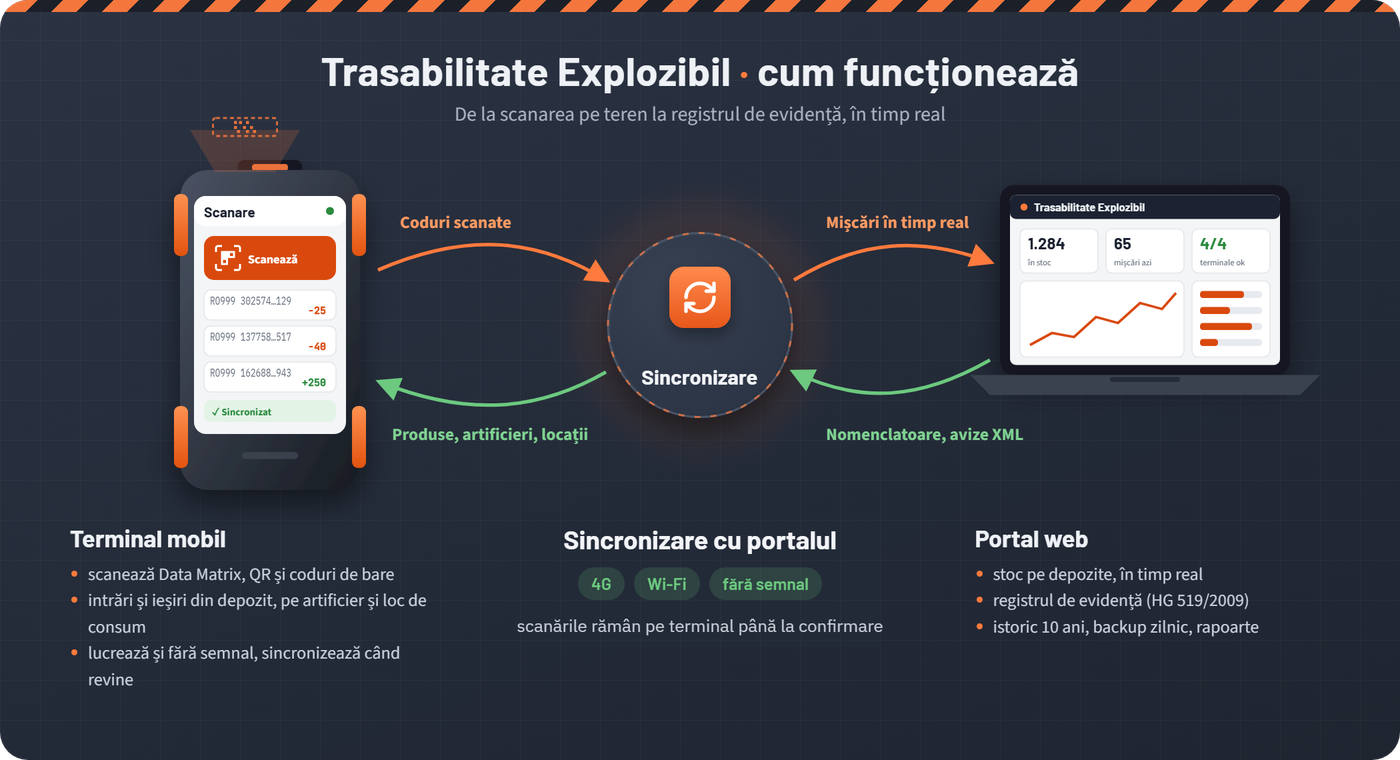
You import and view the XML files the supplier sends with the explosives.
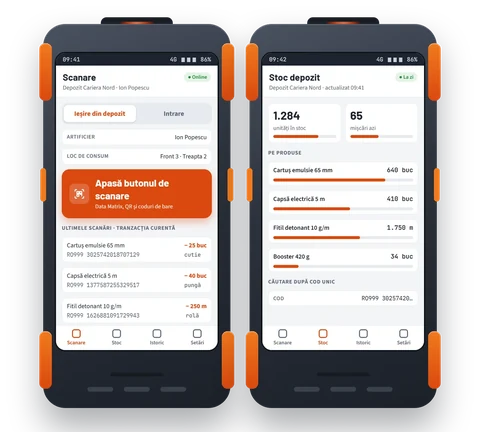
On a phone (Android or iPhone), a tablet or the mobile terminal, using the Explosives Traceability app supplied by LechiSoft, you scan every code on goods in and goods out.
The codes scanned on the terminal are synchronised with the portal (the server application).
All the data is centralised in the portal. From there you manage the shotfirers, the locations, the history, the date and time of each scan and sync, as well as the XML imports.
Unique code lookup
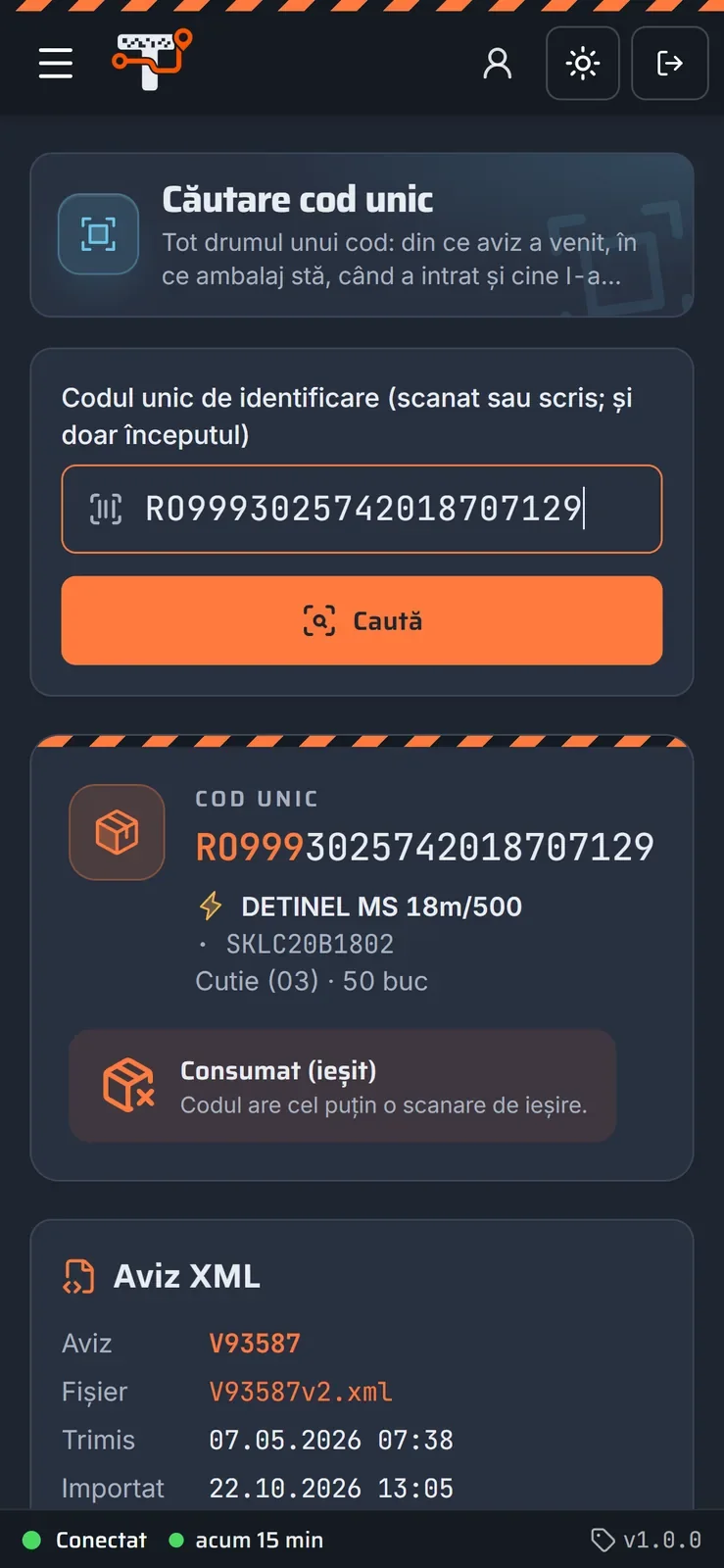
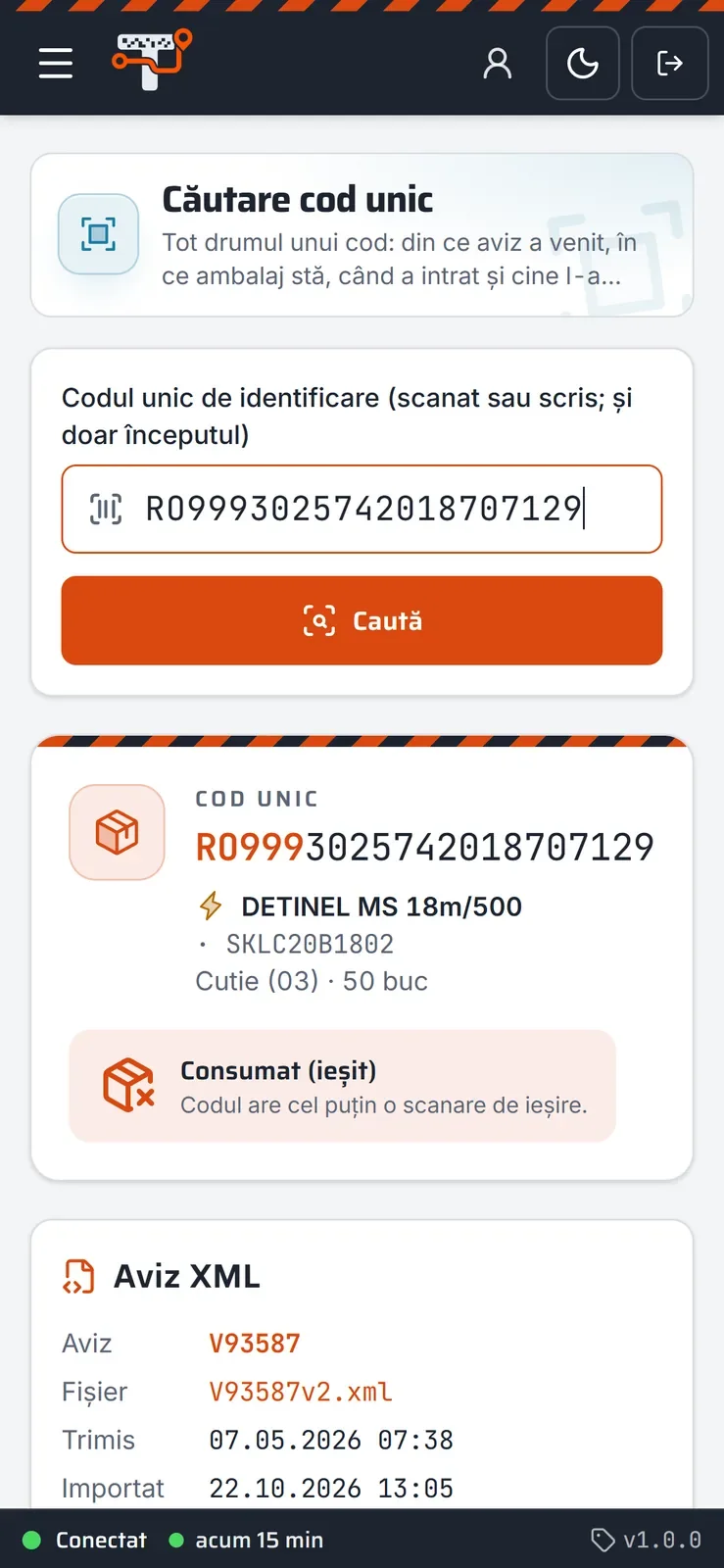
An inspector arrives and asks: where is the cartridge with code RO999…? You have the answer in 3 seconds: which package it belongs to, which delivery note it arrived with, who took it out and where it was used.
Illustration with made-up data. A simple code lookup (where it is now and its last movement) is always available, on every plan; the code report for inspections (PDF) and list lookup are included from Quartz and from Granite upwards, respectively. See the plans
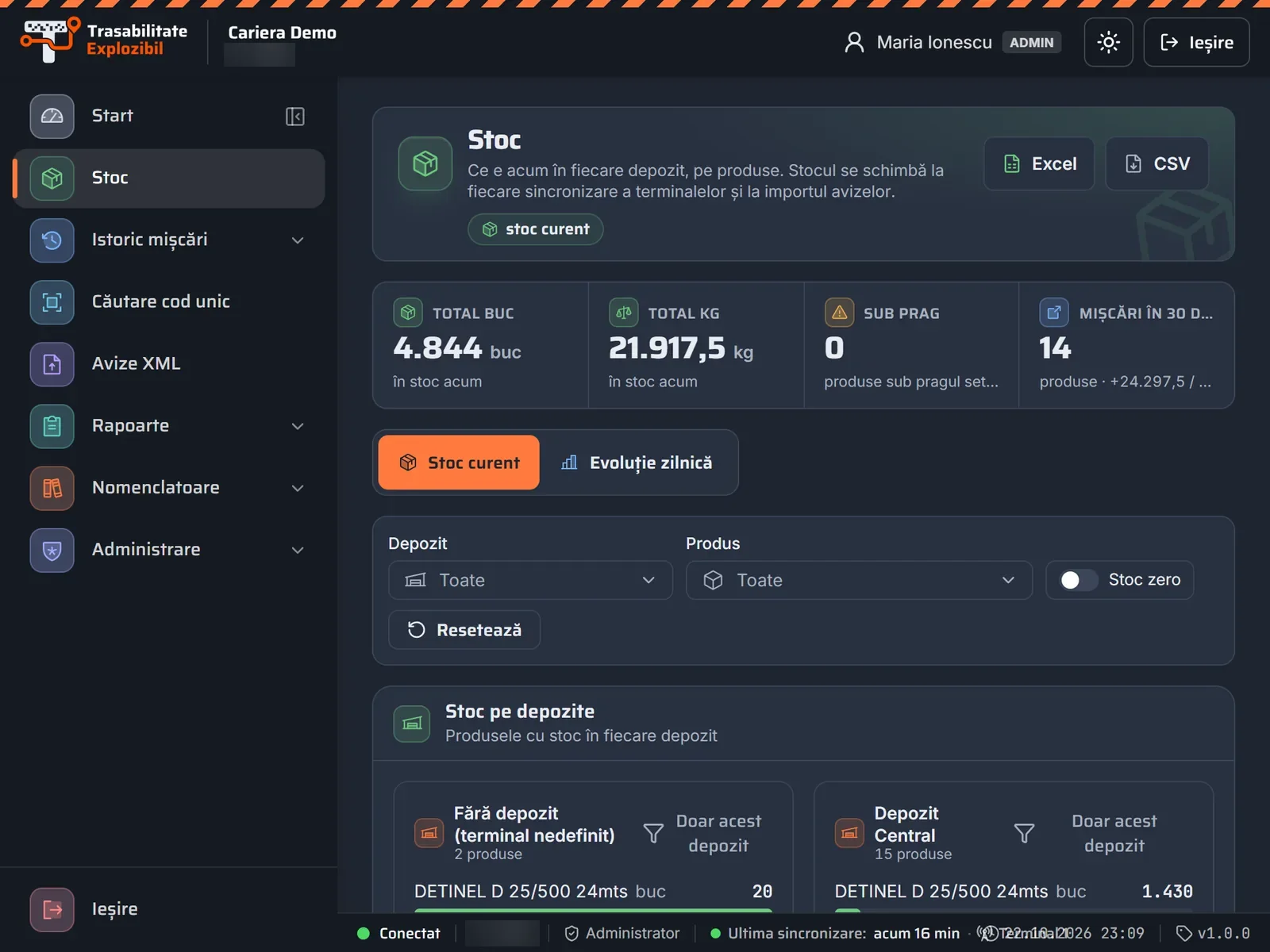
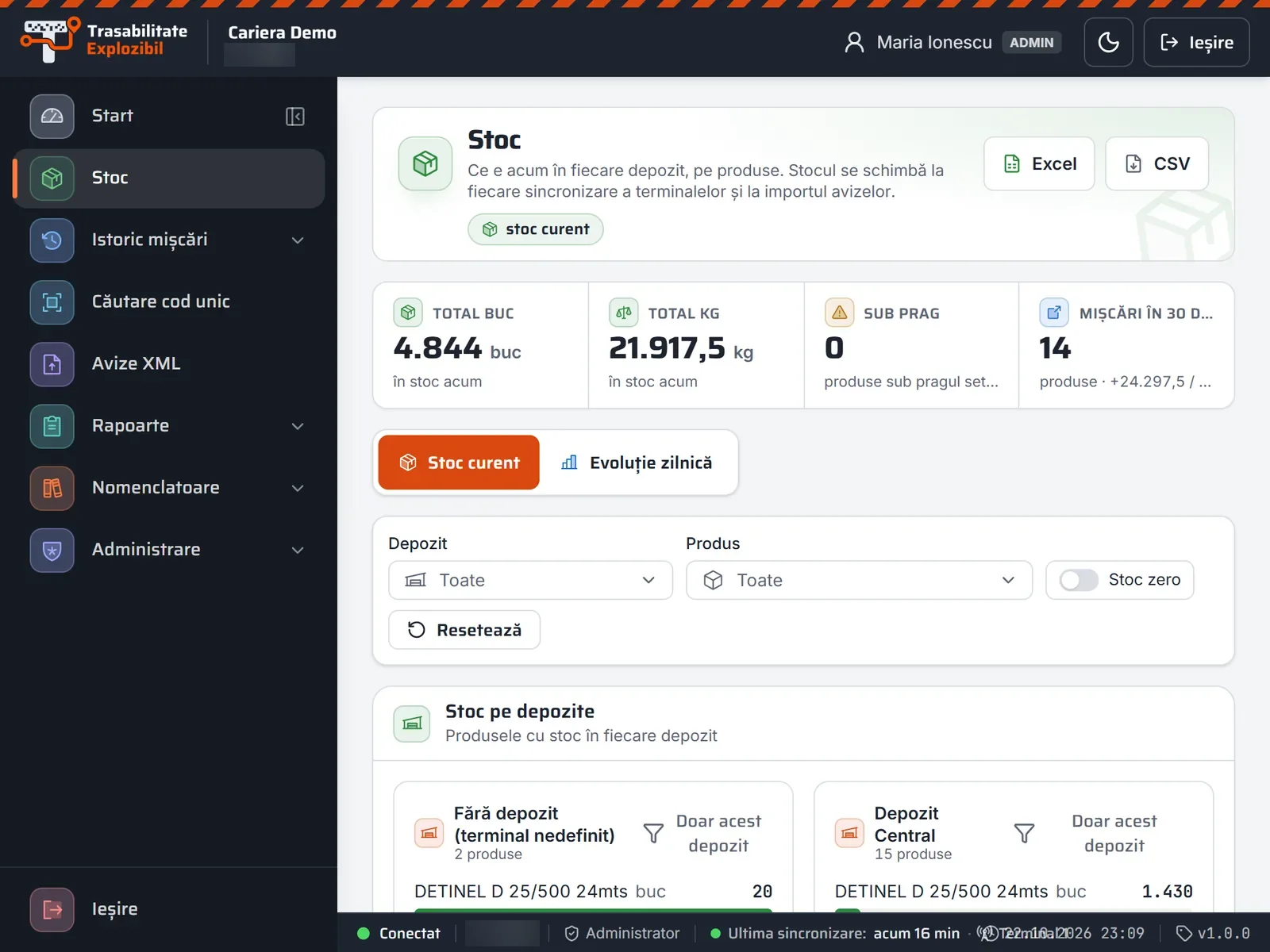
This is what a lookup looks like in the portal, on a computer, phone and tablet
Swipe sideways · click to enlarge
Screenshot 1 / 3
Pallet, box or item: see what it contains and what it is contained in.
Every goods-in and goods-out movement of the code, with the person, the place and the time.
With the printed code report, without searching through notebooks.
It also works for codes scanned before you import the delivery note.
Features
Technical support and regular updates to the applications, included.
All you need is a terminal to scan the unique identification codes. We take care of the rest.
Looking for a unique identification code? You find it with a single click, with its full history.
With a username and a password you check the stock, the products and the imported XML files.
The product catalogue is kept up to date and synchronised with the terminals in your warehouses.
From a phone, tablet or laptop, at any time: the information is available 24/7/365.
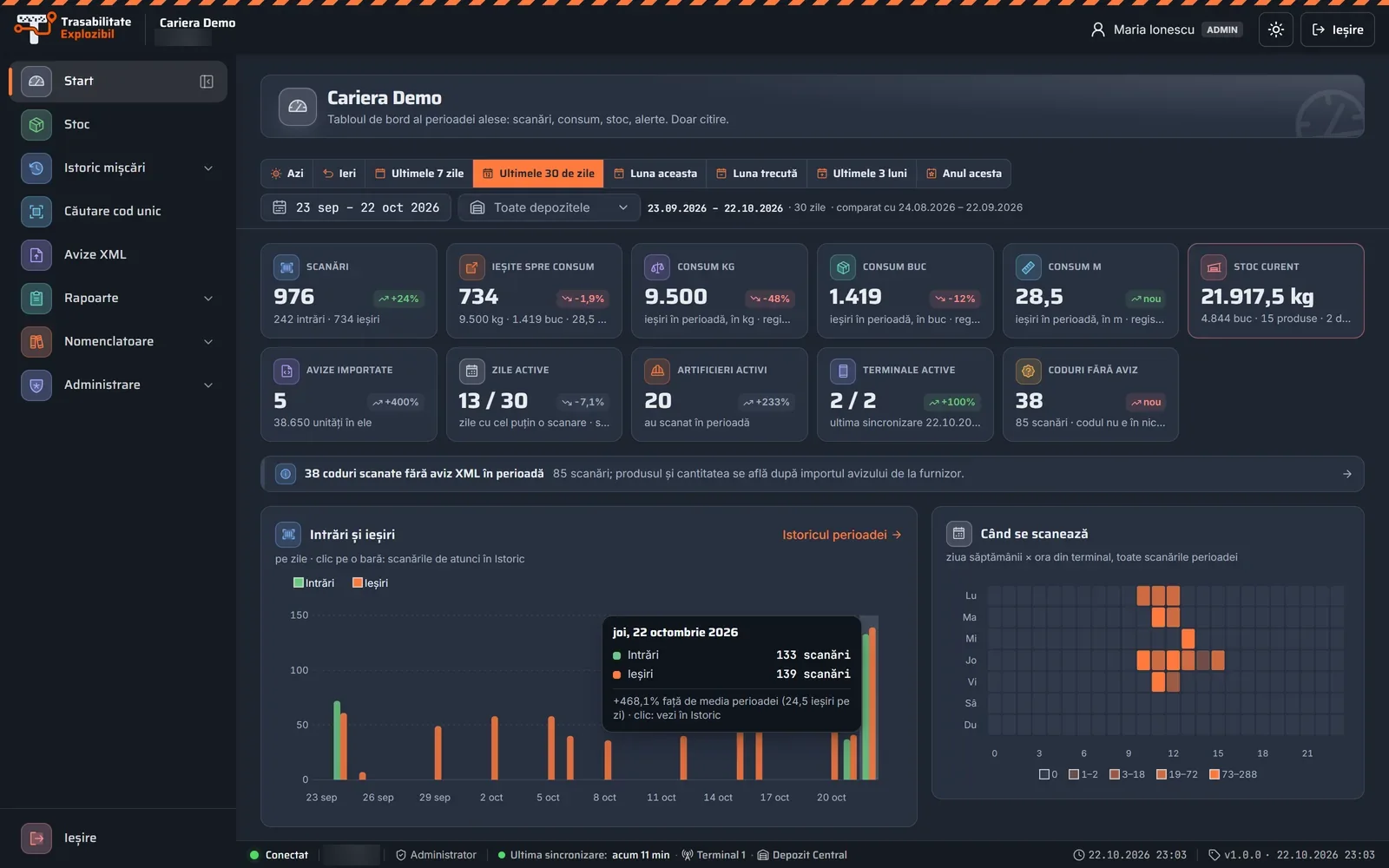
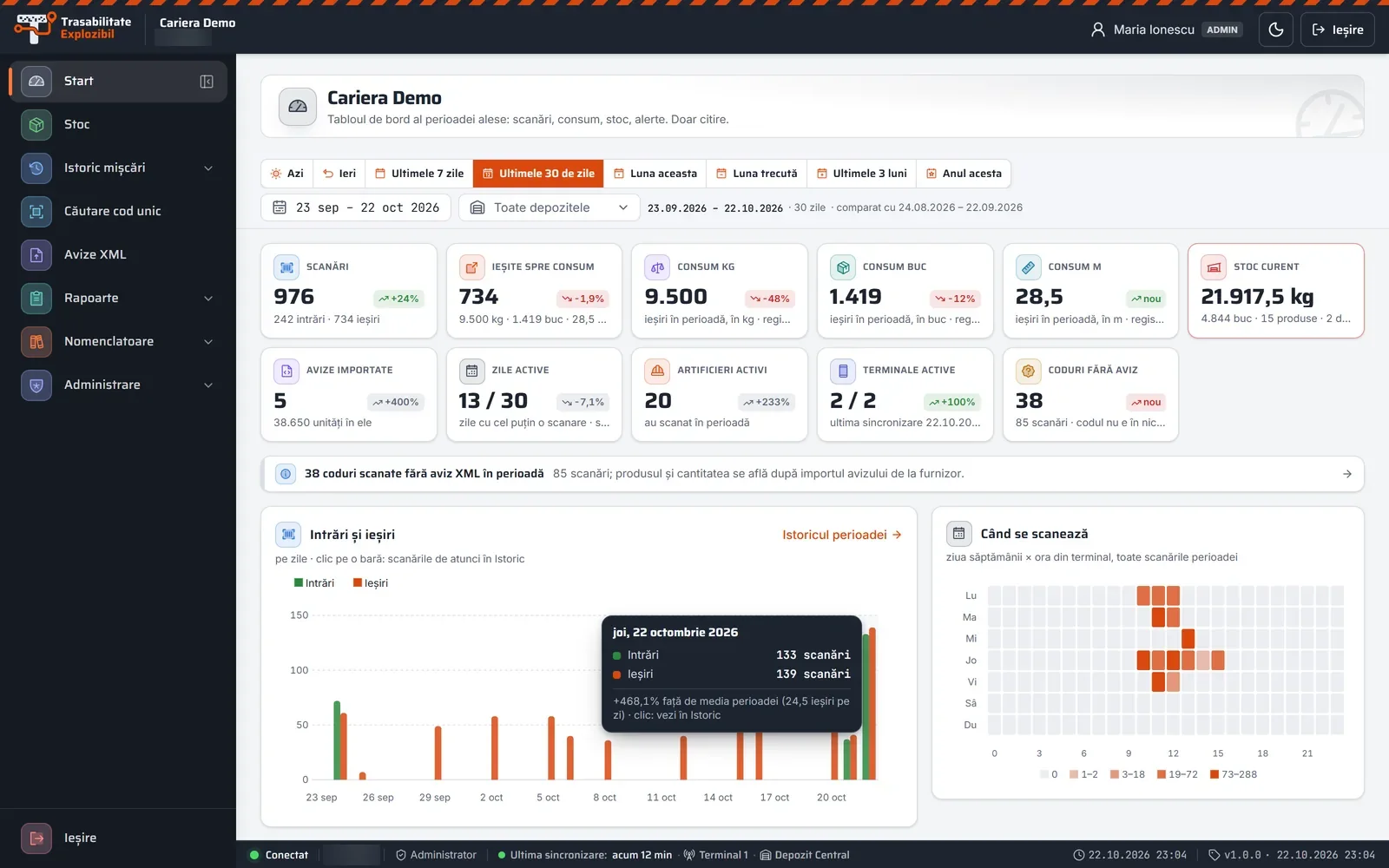
The platform, from the inside
Screenshots from the Explosives Traceability portal, with demo data. Stock, history, codes, delivery notes and the register, on a computer, tablet or phone — with secure access, for your company's people only.
Swipe sideways · click to enlarge
Screenshot 1 / 20
New in the portal
Daily, weekly or monthly — each user switches them on in their profile: scans, consumption by product, shotfirers, places of use, stock by warehouse, delivery notes, unsynced terminals and alerts.
The software automatically flags duplicate goods out or goods in, goods out from the wrong warehouse, negative stock and re-imports that doubled the stock. It changes nothing: it simply shows you what needs checking.
Several terminals or phones can work on one warehouse at the same time, each with its own scans.
See at any time how many of your plan's scans you have used this month.
Your data, from anywhere
The shotfirer scans on a terminal, phone or tablet, in the warehouse or at the working face. You see the stock, history and register on a computer, tablet or phone, at any time — with secure access over HTTPS, using only the company ID, a username and a password.
Data security
What the portal does to keep your data safe — specifically, with no vague promises.
Your company's data is kept separately, in its own database, not mixed with anyone else's.
You sign in only with the company ID, a username and a password; the portal runs over HTTPS.
Passwords are stored encrypted (bcrypt). Resetting is only possible via an email link, valid for 60 minutes and usable once.
Administrator or View only — permissions are checked on the server, on every request.
It is shown only after you re-confirm your password, and every time it is shown is recorded in the log.
As required by Directive 2008/43/EC. Nothing is ever deleted from the register.
Daily data backup, with monthly copies kept for 10 years.
The terminal keeps the scans on the device until it receives the server's confirmation.
Each sync is written in a single transaction: no half-saved data.
Equipment
On every plan you can scan with a phone (Android or iPhone, using the camera), with a tablet and a Bluetooth 2D scanner, or with the rugged terminal with a 2D scanner, using the same app and the same portal. Everyone uses what suits them; phones and terminals can work on the same account.
Install the app on your phone and scan with the camera. Nothing extra to buy.
An Android terminal we supply configured and ready to work.
Use the phone or terminal in accordance with the safety rules of the warehouse and of the blasting operations, including the rules for devices that emit radio waves near electric detonators.
Offer and subscription
See the subscription plans and prices or request a quote using the contact form or by phone.
Already have terminals? Windows Mobile terminals keep working, with the same portal and the same history; you can gradually replace them with Android terminals or phones.
Have special requirements? Write to us using the contact form or call us on +40 742 499 429.
Five plans, starting with Sand, free for life, based on scans, terminals and warehouses. Questions? Call us on +40 742 499 429.
A complete, integrated solution for explosives traceability. Call us now on +40 742 499 429.